


Take a walkthrough of VaultPress Backup
VaultPress Backup
per month for the first year, billed yearly
Get BackupSave every change with real‑time backups and get back online quickly with one‑click restores.
What's included:
- Real-time cloud backups
- Starts with 10GB of backup storage
- 30-day archive & activity log*
- One-click restores
Security (popular plan)
per month for the first year, billed yearly
Save $19.90/mo vs buying individually
Get SecurityEasy-to-use, comprehensive site security. Includes VaultPress Backup, Jetpack Scan, and Akismet.
What's included:
- Starts with 10GB backup storage
- Comment and form spam protection (10k API calls/mo)
- 30-day activity log
- Real-time cloud backups
- Unlimited restores
- Website firewall (WAF)
- Real-time malware scanning
- One-click fixes
* Discount is for the first year only; all renewals are at full price.

If your host's servers go down, you're covered
Host backups offer some protection, but they often run only once a day, stay on the same infrastructure, and are difficult to restore. VaultPress Backup securely saves every change in the Jetpack Cloud.
- Safeguard every change in real time in the ultra-secure Jetpack Cloud
- Restore your site even when your host is down
- Backups built specifically for WordPress and WooCommerce sites
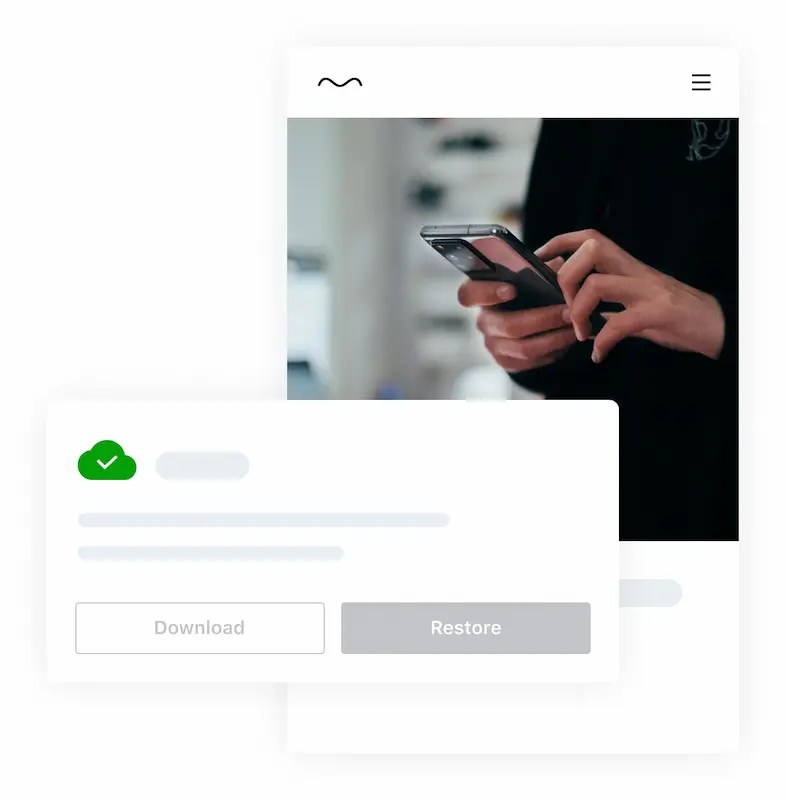
Restoring your site has never been easier
If you make money from your site or spend hours perfecting content, protect that investment by getting back online in seconds. VaultPress Backup is powerful enough for professionals and simple enough for beginners.
- Easy-to-use plugin with one-click restores
- Restore from anywhere with the Jetpack mobile app
- Restore even if your site is offline
- No developer required, with best-in-class support

Millions of people depend on my site, and downtime isn’t an option. Jetpack VaultPress Backup handles my site security and backups so I can focus on creation.
Tim Ferriss
Author / Investor / Podcaster

Reliability you can trust
VaultPress Backup runs on WordPress.com’s world-class infrastructure, so your files, database, and WooCommerce data are protected and recoverable whenever you need them.
- Back up files, databases, customers, and order data
- Store encrypted, redundant copies across global servers
- Keep backup work off your own server
- Tested with major plugins and hosts

Backups built for WooCommerce
New orders can arrive at any moment. VaultPress Backup protects order and customer data while letting you restore the rest of your store to an earlier point.
- Restore the site while keeping orders and products current
- Protect customer data and support GDPR compliance
- Back up custom WooCommerce tables
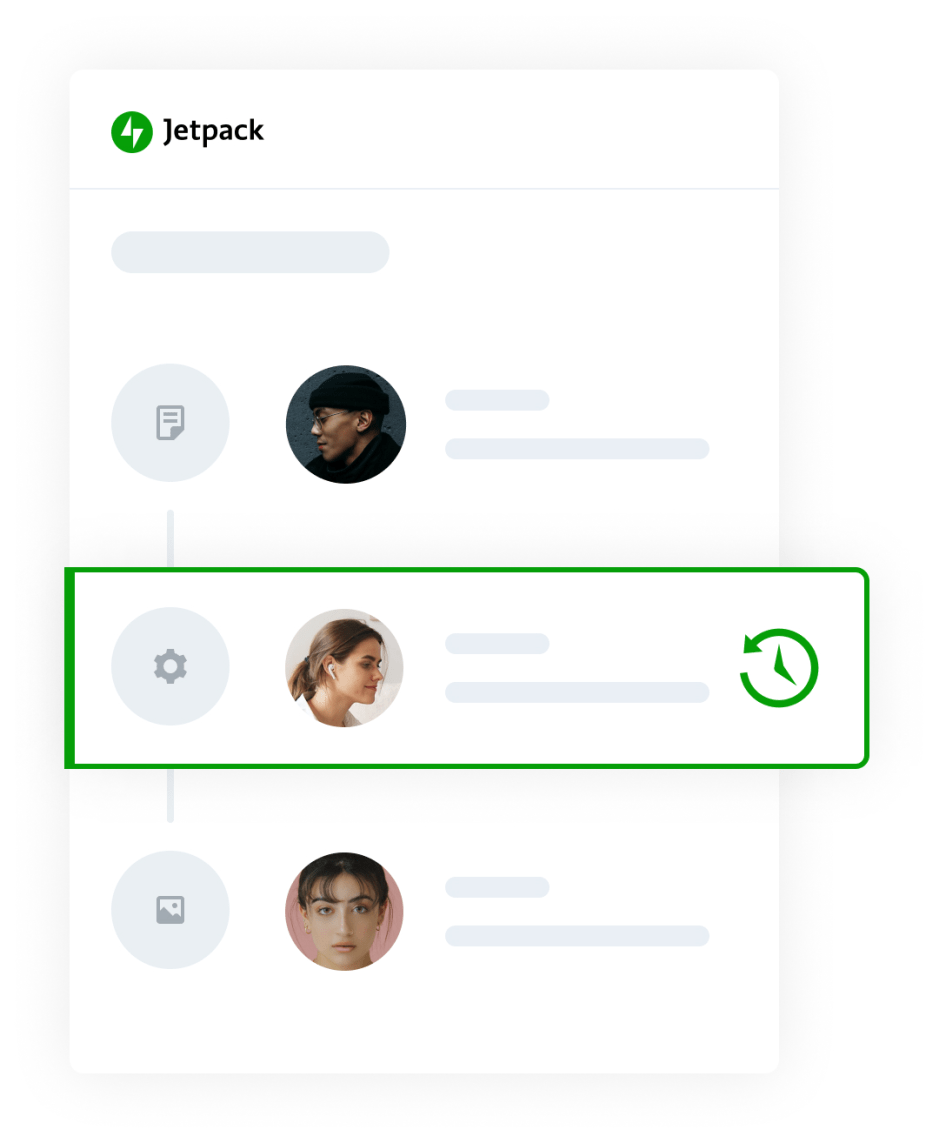
A must-have for WordPress site builders
Save hours developing and maintaining client sites by restoring to any point. The activity log shows exactly what changed and who changed it, so one quick restore can pay for the plan.
- Full and differential backups in real time
- A complete record of site changes
- Quick restores from any saved point
Our developers use VaultPress Backup all the time. It’s a one-click way to return to where we were before things got wonky. It gives us a little emergency parachute so if we’re working on a customization that breaks everything, we lose minutes, not hours.
Ben Giordano
Founder, FreshySites.com
Read more about how FreshySites uses VaultPress Backup to protect 1,200 WordPress sites

Everything you need to protect your site
Backup, restore, migrate, and keep selling with the capabilities included in every VaultPress Backup plan.
Cloud backups
Every change is stored securely off-site in the Jetpack Cloud.
Unlimited restores
Recover to any saved point with one click, even when your site is offline.
Unlimited site migrations
Move your complete WordPress site to any host without a developer.
WooCommerce support
Protect customer, product, and order data while restoring your store.
VaultPress Backup
per month for the first year, billed yearly
Get BackupSave every change with real‑time backups and get back online quickly with one‑click restores.
What's included:
- Real-time cloud backups
- Starts with 10GB of backup storage
- 30-day archive & activity log*
- One-click restores
Security (popular plan)
per month for the first year, billed yearly
Save $19.90/mo vs buying individually
Get SecurityEasy-to-use, comprehensive site security. Includes VaultPress Backup, Jetpack Scan, and Akismet.
What's included:
- Starts with 10GB backup storage
- Comment and form spam protection (10k API calls/mo)
- 30-day activity log
- Real-time cloud backups
- Unlimited restores
- Website firewall (WAF)
- Real-time malware scanning
- One-click fixes
* Discount is for the first year only; all renewals are at full price.
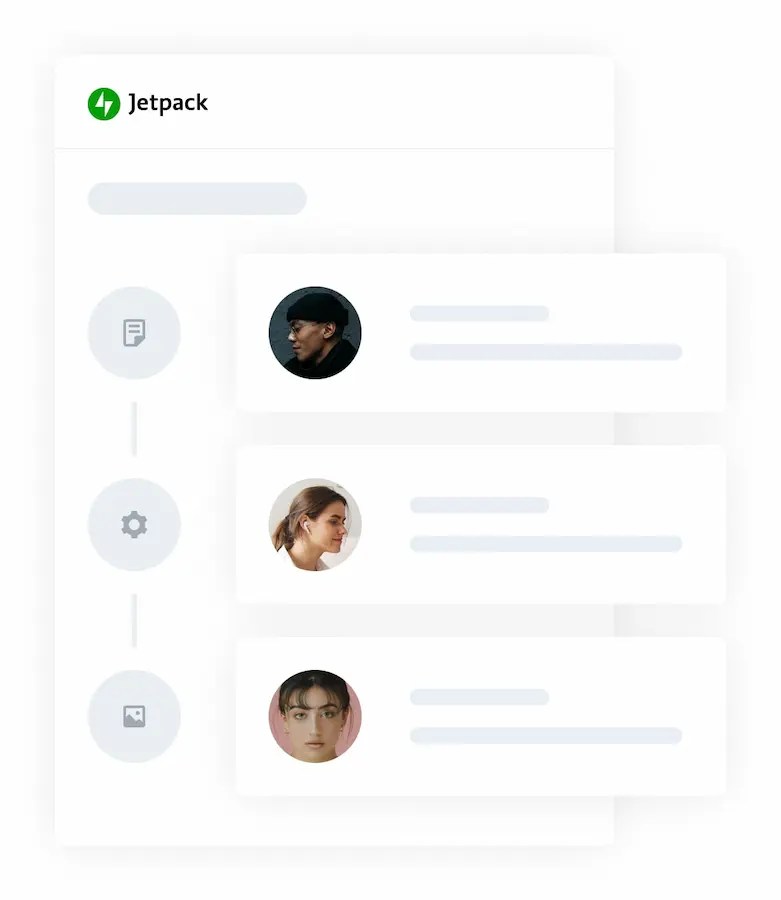
Understand every site change
The activity log shows when each change happened and who made it. Pair it with real-time backups to diagnose a problem and restore to the exact moment before it occurred.
- See the last 20 events for free
- Get 30-day or one-year archives with paid plans
- Use the activity log from the Jetpack mobile app
- Review the full list of monitored activities
Migrate your WordPress site in minutes
Don’t let a bad host keep your site hostage. VaultPress Backup can transfer your database, plugins, settings, themes, content, and images to a new WordPress installation.
- Migrate your WordPress site to any host
- Included in every backup plan
- No developer required

Looking for complete security?
Protect a site that’s too valuable to lose with backups, malware scanning, downtime monitoring, brute-force attack protection, and comment and form spam protection.
- Real-time backups and one-click restores
- Malware scanning and one-click fixes
- Spam and brute-force attack protection
Questions? We've got you covered.
Answers about restores, migrations, storage, and getting help with VaultPress Backup.
How do I restore my site with VaultPress Backup?
Why do I need backups?
Doesn't my host already have backups?
Don't see your WordPress backup in the activity log?
Can I use VaultPress Backup to migrate my website to a different host?
Can VaultPress Backup be used to migrate to a different address?
Does VaultPress Backup take care of path changes during a migration?
Can I clone my website with VaultPress Backup?
Can I use Jetpack to back up my database?
Can I use Jetpack to back up my files?
plugins, mu-plugins, themes, and uploads directories. Learn more in the Backup guide. Can I exclude directories from my backup?
.donotbackup, and also excludes the contents of a directory named donotbackup. See the Backup guide before configuring exclusions. Can VaultPress Backup save files to Google Drive or Dropbox?
Can I download my backups?
Does VaultPress Backup support WordPress multisite?
Does VaultPress Backup support split site or split home URLs?
Is there a backup size limit?
Need help?
Peace of mind starting at current pricing per month
